














South Florida Web Design, Local SEO & Reputation

LogiXwebdesign helps businesses across South Florida rank locally and convert.
Fast, modern websites + Local SEO, Google Business Profile optimization, and reputation management.

Who We Are

A Story
About Us

LogiXwebdesign (one word) was founded in 2010 and is based in Coconut Creek, Florida. We build professional, modern websites for business owners across South Florida and beyond.

Our goal is simple: help your business grow online. We combine clean design with modern development, technical SEO, Local SEO strategy, and reputation management so you don't just look good—you get found, trusted, and chosen.

LogiXwebdesign team reviewing a website redesign in Coconut Creek, FL

Mission


Deliver modern, high-quality websites and marketing solutions with responsive support. Our clients are the priority—always.

Vision


People-first strategy, modern technology, and measurable results—helping businesses build trust, visibility, and long-term growth online.

Passion


We love turning ideas into high-performing websites and strong online brands. Quality work, clear communication, and on-time delivery.

We build modern websites that load fast, rank locally, and convert—plus the reputation strategy to support it.

- Lisa Marie -

What We Do

Our Services

Laptop displaying a modern, mobile-friendly website built by LogiXwebdesign
Modern UI + Mobile-First

Web Design

Clean, modern design that looks great on every screen. Perfect for service businesses, portfolios, landing pages, and campaigns—built to convert with clear calls-to-action.

Fast, Secure, Scalable

Web Development

WordPress, custom builds, eCommerce, booking, membership, and business sites. We focus on performance (Core Web Vitals), security, accessibility, and clean code that's easy to maintain.

Local Visibility + Trust

Local SEO & Reputation Management

South Florida Local SEO strategy, Google Business Profile optimization, citation cleanup, review generation, review response support, schema markup, and content that helps you rank. We help protect and improve your online reputation so customers choose you with confidence.

Google Business Profile dashboard for a South Florida Local SEO client

South Florida Local SEO

Get found in your city—Coconut Creek, Broward & beyond

Local SEO that moves the needle: Google Business Profile optimization, on-page SEO, local landing pages, schema, citation management, and content strategy built for real searches.

Five-star customer review shown as part of LogiXwebdesign reputation management

Reputation Management

Build trust, improve reviews, and protect your brand

We help you earn more positive reviews, respond professionally, improve your presence across key platforms, and strengthen your brand's credibility so prospects feel safe choosing you.

WordPress website theme customization screen

WordPress

Flexible, reliable, and easy to manage

From redesigns to custom themes and speed optimization, WordPress can be powerful when built correctly. We build WordPress sites that load fast and are optimized for SEO and conversions.

Online store checkout page built with WooCommerce

eCommerce

Sell products and services online

WooCommerce and custom eCommerce solutions designed for speed, SEO, and a clean checkout experience. Inventory, payments, shipping, and conversion-focused design.

Find Our Work

Our
Amazing Work

Fun Facts

We Deliver
Excellent Services

25

Years Experience

476

Projects Done

115

Awards Received

276

Happy Clients

Keep It Running

Web Hosting

Responsive Support

Support requests are typically answered within an hour, day or night.

Money-Back Guarantee

Try it risk-free with a 30-day unconditional money-back guarantee.

99.9% Uptime

Round-the-clock network monitoring keeps your site online and available.

Already have a site? Let us host it.

Shared, semi-dedicated, and VPS hosting plans with free domain tools, automatic backups, and SSL certificates — built to keep the site we design for you fast and always online.

View Hosting Plans Plans start at $2.99/month
From The Blog

Local SEO & Web Insights

Practical, no-fluff advice on web design, Local SEO, and reputation management for South Florida businesses.

5 Local SEO Fixes Every Coconut Creek Business Should Make First

Google Business Profile dashboard open on a laptop screen

If you run a business in Coconut Creek, chances are your customers are already searching for you — they just aren't finding you. "Local SEO" sounds like a big, technical project, but most of the businesses we work with are missing the same handful of fixes. None of these require a redesign or a big budget. Start here.

1. Claim and completely fill out your Google Business Profile

This is the single highest-leverage thing you can do, and it's free. A surprising number of local businesses have a Google Business Profile that's either unclaimed or only half-filled-in. Make sure your business name, address, phone number, hours, and category are accurate and match what's on your website exactly — even small mismatches can quietly hurt how Google trusts your listing.

Add real photos, keep your hours current around holidays, and fill in every attribute Google offers for your category. A complete profile isn't just better for ranking — it's often the first thing a potential customer sees before they ever click through to your site.

2. Get your name, address, and phone number consistent everywhere

Search engines cross-check your business information across the web — your website, your Google listing, Yelp, Facebook, industry directories. When those don't match, it creates doubt about which version is correct, and that doubt shows up as lower rankings.

Pick one exact format for your business name, address, and phone number, then go through your top listings and make sure every single one matches. It's tedious, but it's a one-time cleanup that pays off for years.

3. Build pages that actually mention your city and neighborhood

A homepage that only says "serving South Florida" is too vague for Google to confidently match to someone searching "plumber near Coconut Creek." If you genuinely serve multiple areas, each one deserves its own page with real, specific content about how you serve that area — not just the city name swapped in and out on an otherwise identical page.

Thin, duplicated "city pages" that only change the city name can actually hurt you. Write each one like you're talking to a customer who lives there.

4. Ask for reviews — and actually respond to them

Review count and review recency are both signals Google factors into local rankings, and they're also the first thing a potential customer reads before deciding to call. Make it a habit to ask happy customers for a review right after a good interaction, and respond to every review you get, good or bad.

5. Make sure your site actually loads fast on a phone

Most local searches happen on mobile, often from someone standing outside deciding where to go next. If your site takes more than a few seconds to load, a meaningful share of that traffic leaves before it even sees your page. Compress large images, avoid autoplaying heavy video on mobile, and test your homepage on an actual phone on a normal connection.

Where to start

If you only do one of these this week, claim and complete your Google Business Profile — it's free, it takes about twenty minutes, and it's usually the fastest visible improvement. The rest compound over the following months as Google re-crawls your site and re-evaluates your listings.

Want a Local SEO checkup for your business?

We'll take a look at your Google Business Profile, your citations, and your site, and tell you exactly what's holding you back.

Get In Touch
↑ Back to Blog

Why Your Google Business Profile Matters More Than Your Homepage

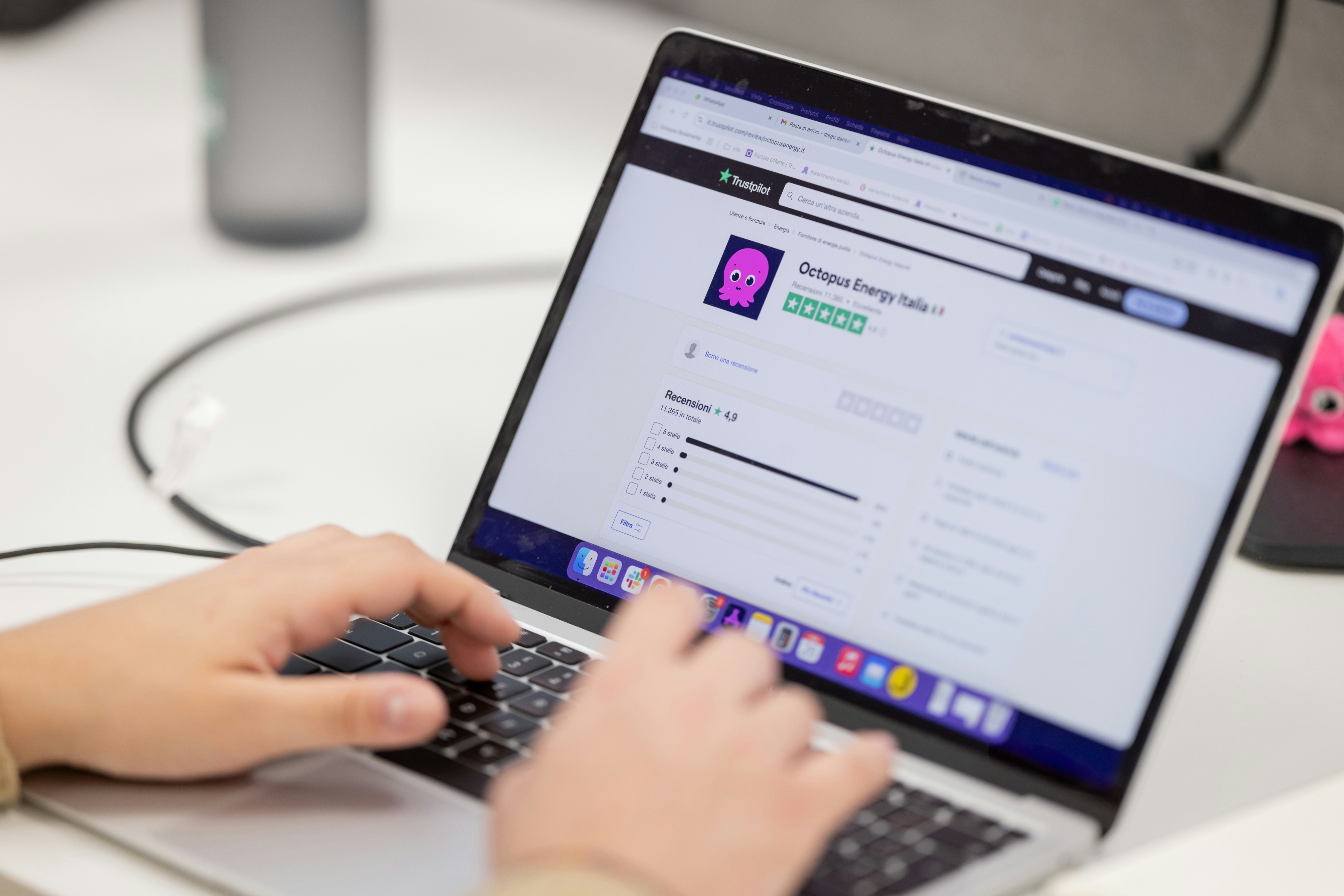
Five-star customer review displayed on a phone screen

A lot of business owners put most of their energy into their website and treat their Google Business Profile as an afterthought — something they filled out once, years ago, and haven't touched since. In practice, for a local search like "web design near me" or "electrician Coconut Creek," the Business Profile is often what the customer sees and judges you on before they ever reach your website at all.

The map pack comes before the click

When someone searches for a local service, Google typically shows a map with three business listings above the regular search results — the "map pack." Each listing shows your name, star rating, review count, hours, and a couple of photos, right there on the results page. A customer can decide whether to call you, message you, or move on to a competitor without ever clicking through to your site.

That means your Business Profile isn't a directory listing you set up once — it functions like a landing page that most people never leave. If it's incomplete, outdated, or has a thin review history, you can lose the customer before your actual website even gets a chance to make its case.

What people actually look at first

Star rating and review count are usually the first thing a customer scans. A 4.8-star listing with 90 reviews reads as an established, trustworthy business at a glance. A 4.8-star listing with 6 reviews reads as unproven, even if the rating is identical. Volume and recency both matter — a business that hasn't had a new review in two years can look inactive, even if it's thriving.

After the rating, most people check your hours, your photos, and how you've responded to reviews, especially negative ones. A calm, professional response to a bad review often reassures a prospective customer more than another five-star review would.

It's also a ranking factor, not just a storefront

Beyond how it looks to customers, your Business Profile directly affects whether you show up in the map pack at all. Google weighs relevance, distance, and prominence (reviews, citations, and overall online presence) when deciding which three businesses to show. A profile with accurate categories, complete information, and an active flow of reviews consistently outperforms one that's technically claimed but neglected.

Your homepage sells to someone who already decided to check you out. Your Business Profile decides whether they check you out in the first place.

A short list to actually act on

None of this replaces having a good website — your site is still where you close the deal, show your work, and explain what makes you different. But if your Business Profile is stale, you may be losing customers before your website ever gets the chance to try.

Not sure how your profile actually looks to customers?

We'll audit your Google Business Profile and reviews and show you exactly what a searcher sees before they call.

Get In Touch
↑ Back to Blog

Core Web Vitals in Plain English: What Actually Affects Your Ranking

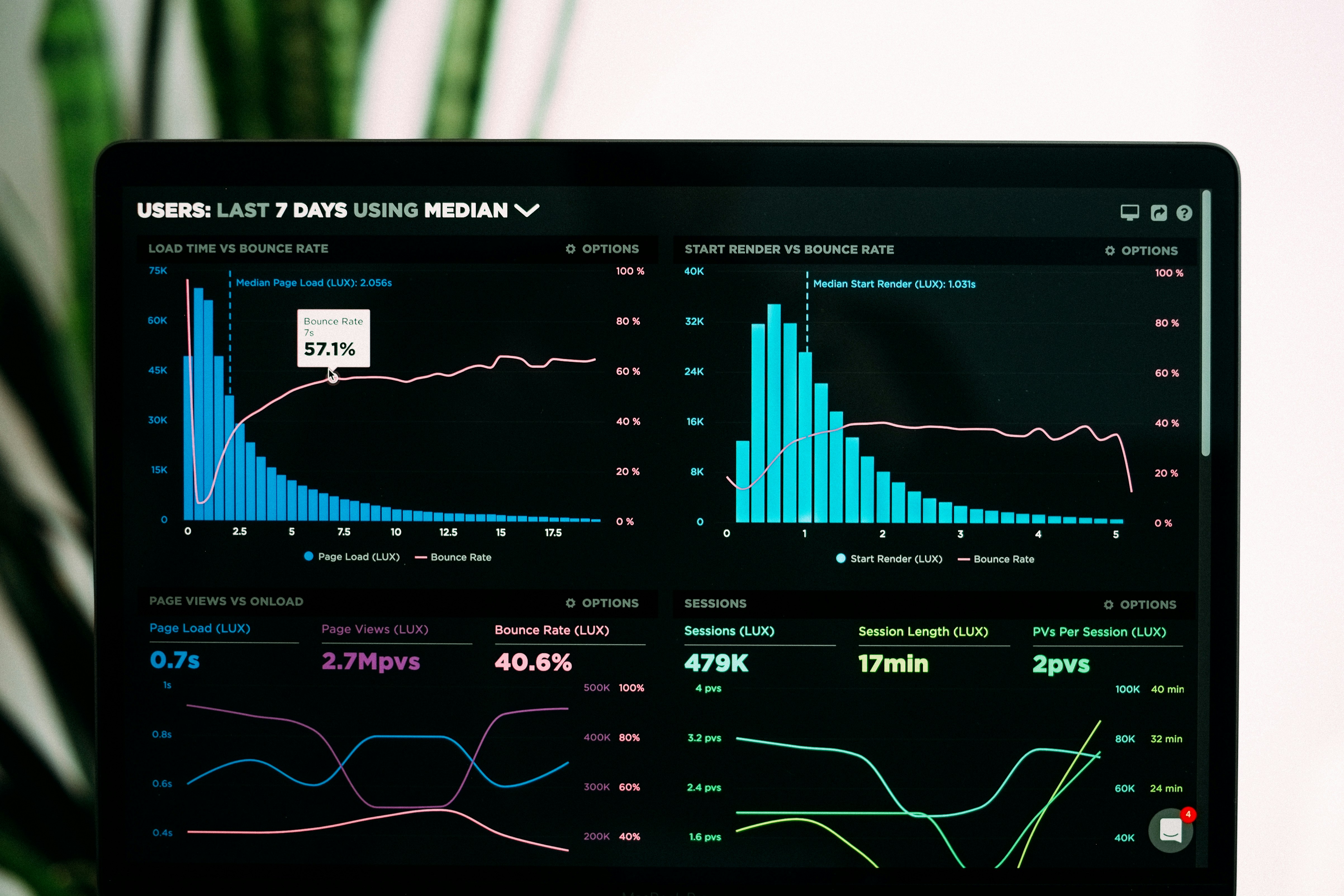
Website speed test results shown on a computer monitor

"Core Web Vitals" gets thrown around a lot in SEO conversations, usually followed by a vague instruction to "make your site faster." That's true, but it's not the whole picture — Google is actually measuring three specific, named things, and each one responds to different fixes. Here's what they mean without the jargon.

Largest Contentful Paint (LCP): how long until the page feels loaded

LCP measures how long it takes for the biggest visible element on the screen — usually a hero image, a heading, or a background video — to fully render. It's meant to approximate the moment a visitor feels like the page has actually loaded, rather than just started to.

The most common causes of a slow LCP are large, uncompressed images and hero videos, render-blocking CSS or JavaScript loading before the visible content, and slow server response times. The fix is usually some combination of: compressing and properly sizing images, deferring anything that isn't needed for the first screen, and using a poster image so the page has something visible before a background video finishes loading.

Cumulative Layout Shift (CLS): does the page jump around while it loads

You've felt this even if you didn't know the name for it — you go to tap a button, and right as your finger lands, an image finishes loading above it and shoves the whole page down, so you tap the wrong thing. CLS measures how much visible content unexpectedly shifts around during load.

The fix is almost always to reserve space in advance: give images and video elements explicit width and height (or an aspect-ratio in CSS) so the browser can block out their space before they've finished loading. Ads, embeds, and web fonts that swap in late are other common culprits.

Interaction to Next Paint (INP): how responsive the page feels when you actually use it

INP measures how long it takes for the page to visibly respond after you click a button, open a menu, or submit a form — across the whole session, not just the first click. Heavy, unoptimized JavaScript is the usual cause. Trimming unused scripts, loading non-essential JavaScript later rather than all upfront, and breaking up large scripts into smaller chunks all help.

None of these three metrics are abstract "SEO tricks" — they're Google's attempt to measure the same thing a frustrated visitor already feels: does this page load, does it hold still, and does it respond when I touch it.

So how much does this actually affect rankings?

Core Web Vitals are one of many ranking factors, and generally a smaller one than the strength of your content and your overall relevance to the search. But they matter in two real ways: as a tiebreaker between otherwise similar pages, and — probably more importantly — as a direct driver of whether visitors stick around once they land. A slow, jumpy page loses visitors before it ever gets the chance to convert them, no matter where it ranks.

Where to check your own numbers

Google's free PageSpeed Insights tool will score your actual live pages against all three metrics and point out specific offending elements — it's the same underlying data Google uses for ranking, so it's worth checking periodically rather than guessing.

Curious how your site actually scores?

We'll run your site through the same tools Google uses and walk you through exactly what's slowing it down.

Get In Touch
↑ Back to Blog

Free Tools & Live Demos

Try a live sample site, check how your current website scores, or get a price estimate in under a minute. No sign-up needed.

Frequently Asked Questions

Quick answers about websites, Google and reviews. See all FAQs →

How long does it take to build a website?

Most 5-page business websites take about 2–4 weeks from kickoff to launch, depending on how quickly content and feedback come in. Larger custom sites and online stores take longer.

How much does a website cost?

It depends on the number of pages and features like online booking, ordering or a Spanish version. Use our website cost calculator for an instant estimate, then we confirm a final quote after a free consultation.

Do I own my website and domain?

Yes. Your domain, content and design belong to you. We can host and maintain it for you, but you are never locked in.

Will my website show up on Google?

Every site we build includes technical SEO basics — fast loading, mobile-friendly layout, proper titles, structured data and a sitemap. To rank in the local map results, pair it with an optimized Google Business Profile and a steady flow of reviews.

Do you work with businesses outside Coconut Creek?

Yes. We work with businesses across South Florida — Broward, Palm Beach and Miami-Dade — and with clients remotely anywhere.

Can you help with bad reviews or BBB complaints?

Yes. We monitor your reviews, write professional public replies, help resolve complaints offline and set up an honest system for asking every customer for a review.

Contact

Get
In Touch

Questions? Contact us anytime.

South Florida

New York

Send Message

Want to take your business to a new level? Get a quote.

Prefer to call? (561) 571-1464

Call Text us